To open the application for the first time and get started, follow these steps:
STEP 1- To open nawmal, double click on the icon on your desktop.

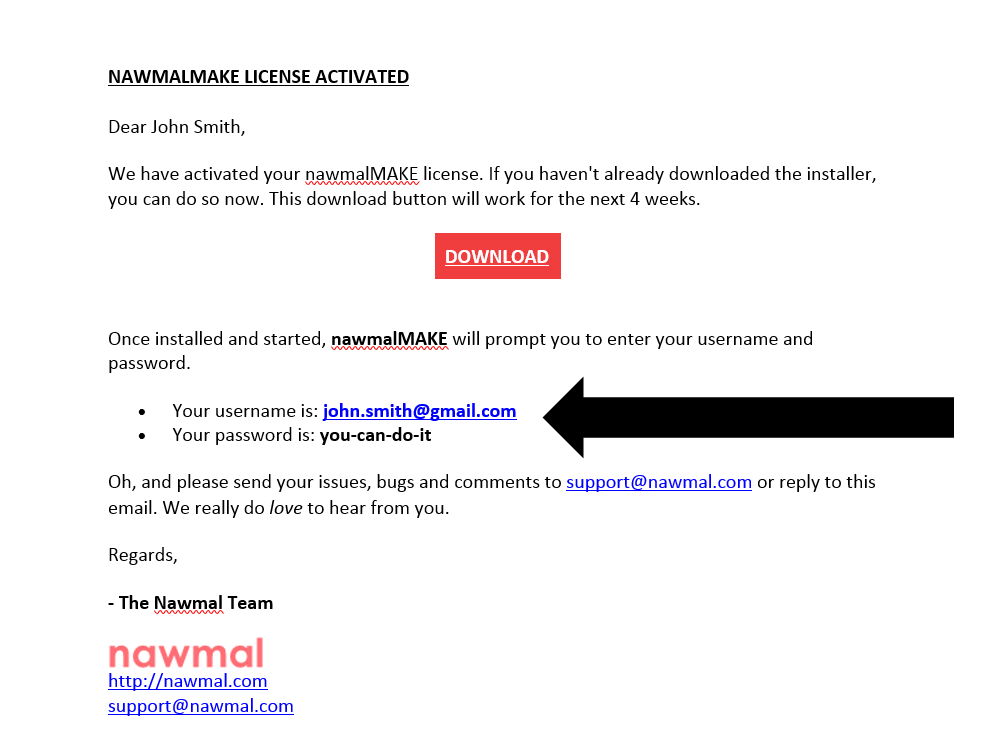
STEP 2- Copy paste the credentials we have sent you by email
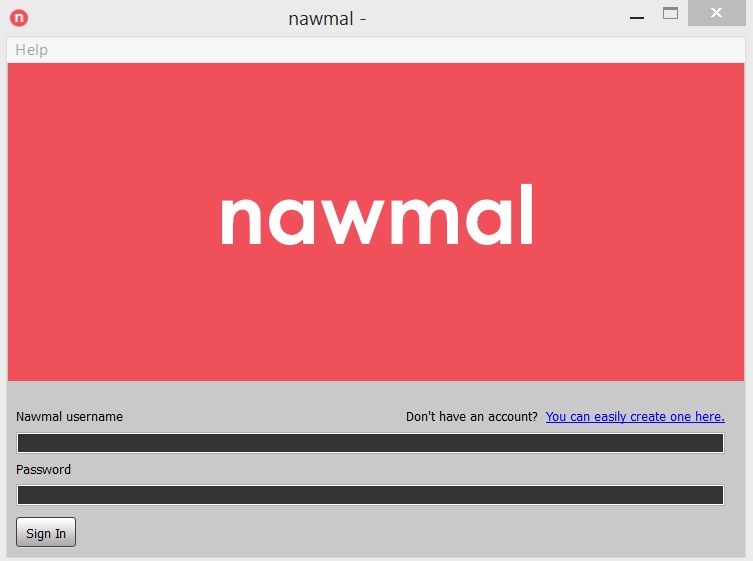
STEP 3- Enter the credentials in the sign in window
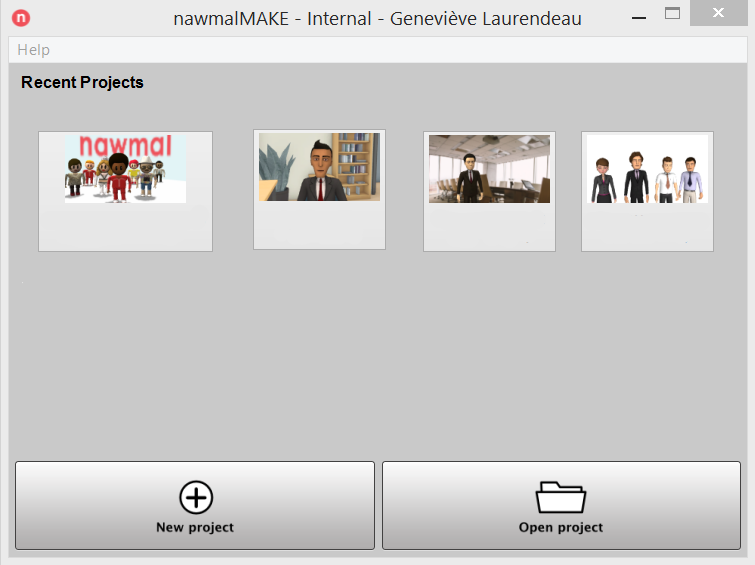
STEP 4- Create a new project or carry on with a saved one by clicking on New Project or Open a Project
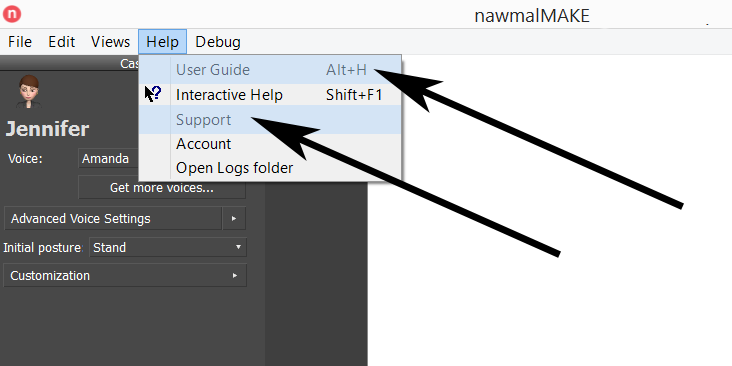
STEP 5- Access the User Guide and Support in the Application